Buying, condition and disposal
How to erase data before selling or scrapping a computer
Deleting files and emptying the recycle bin does not remove data. On an SSD the right approach is a built-in secure erase, or encryption followed by destroying the key. If the equipment is leaving a company, the documentation of the erasure matters as much as the erasure itself.

When a machine changes hands, the data goes with it unless you actively do something. A quick format only removes the index — the files are still there and can be recovered with free tools.
For a personal machine
Sign out of everything first: Microsoft account, Google, iCloud and any disk encryption. Then run Windows' own reset with the option that removes everything and cleans the drive. That overwrites, rather than simply deleting the references.
If the machine has been running with BitLocker or FileVault enabled, it is simpler: delete the key and the data is effectively unrecoverable.
SSDs and hard disks are not the same
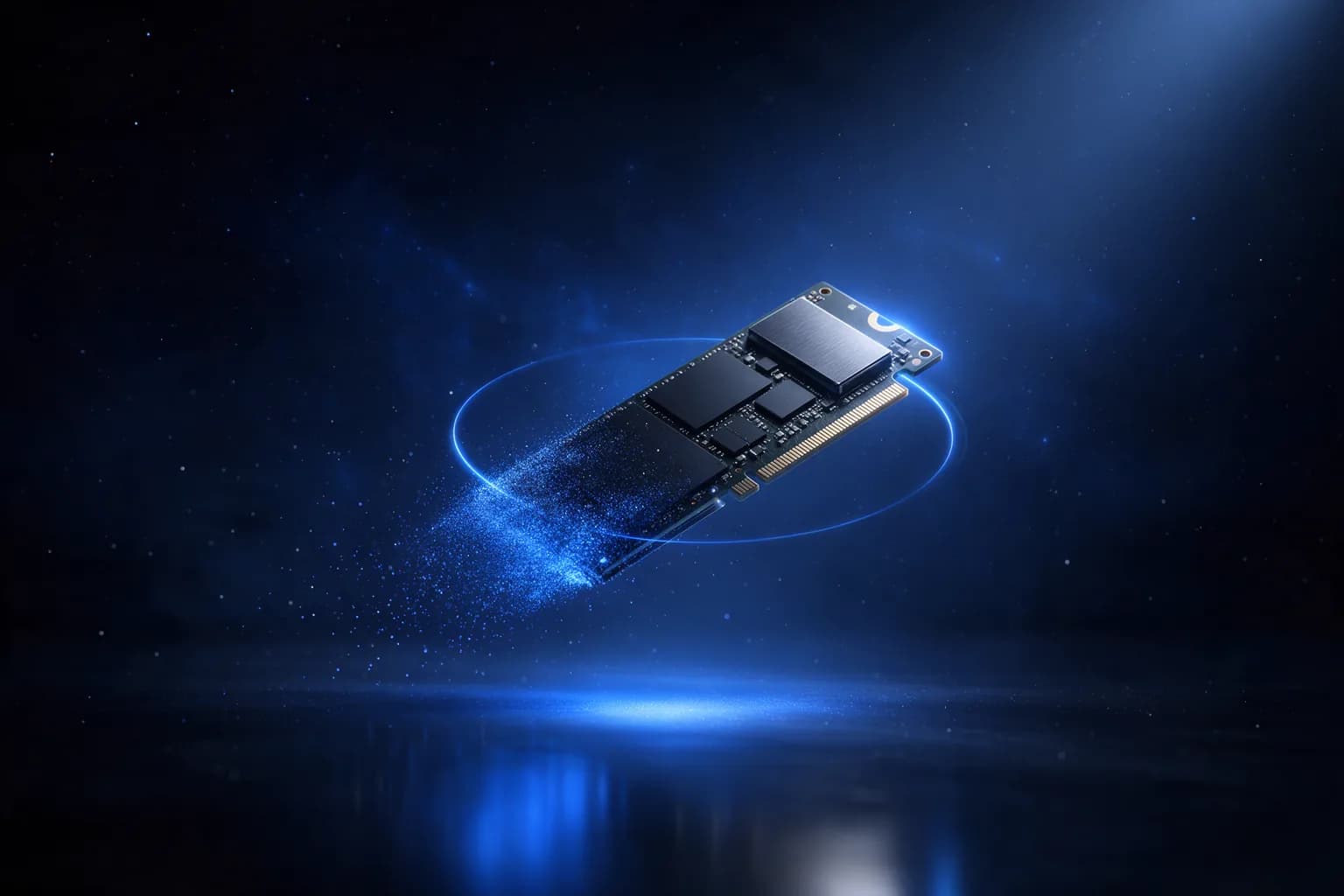
On an old-fashioned platter hard disk, overwriting works. On an SSD the controller moves data around, so an overwrite does not necessarily reach every cell. For SSDs you use the manufacturer's Secure Erase, found in their own tool, or you destroy the drive physically.
For a company that is not enough
If the machine has held personal data, you have to be able to document that it is gone — not merely know it. Require an erasure report with a serial number for each individual device from whoever handles the equipment. That is the document you need to be able to produce if anyone asks.
Remember BIOS passwords and device locks too. A machine still tied to your management system is unusable for the next owner.
If you would rather have it done
If we buy your equipment, erasing the data is part of the deal and the documentation comes with it. You are also welcome to just ask for the advice — that costs nothing.
Write to usWhere to go next
More on buying, condition and disposal
Questions we get about this
Is deleting the files and emptying the recycle bin enough?
No. That does not remove the data. Use Windows' own reset with the option that removes everything and cleans the drive — it overwrites rather than just deleting.
How is data erased on an SSD?
On an SSD the controller moves data around, so overwriting does not necessarily reach every cell. Use the manufacturer's Secure Erase. If the machine has already been running with drive encryption switched on it is simpler: delete the key and the data is in practice unrecoverable.
What does a company have to do beyond erasing?
If the machine has held personal data, you have to be able to document that it is gone — not merely know it. Demand an erasure report with a serial number for each individual device from whoever handles the equipment.
What about BIOS passwords and device locks?
They have to come off along with the data. A machine that is still tied to your administration cannot be used by the next owner.
More from Knowledge
- Windows 10 support has ended — what now?The machines do not stop working — but the security updates have stopped. How to work out what happens to which.
- Refurbished or used: what is the difference?Two words used interchangeably, and a difference that decides what you get. How to find out what was actually done to the machine.
- Repair or replace? How to work it outThe calculation that decides whether a slow or broken machine gets repaired or replaced.